Reading JournalStudy & Learning · ~4 min
About this template · Updated July 2026
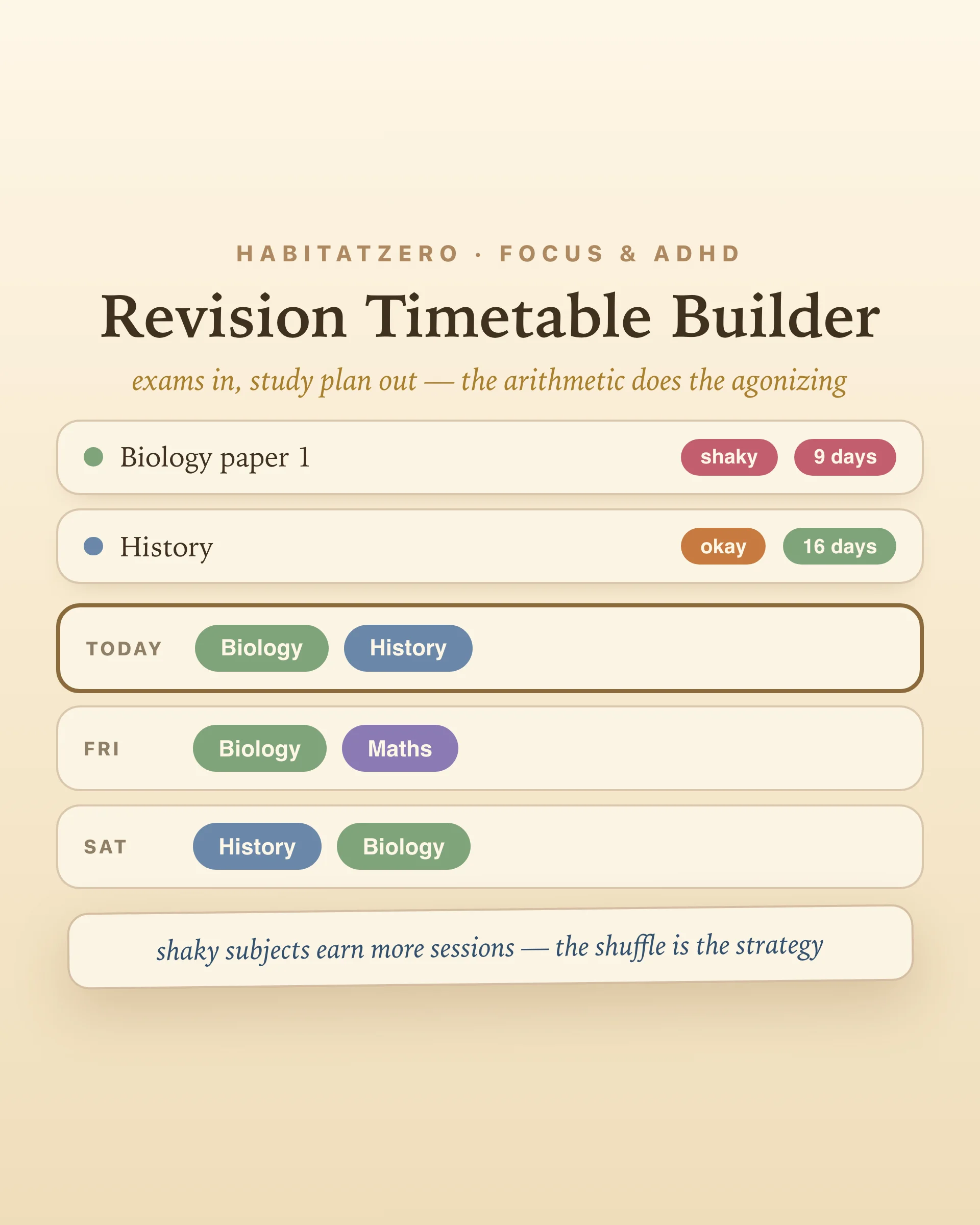
Every exam season produces the same artifact: a gorgeous, color-coded revision timetable, built in a two-hour burst of virtue, abandoned by Thursday. It fails for a predictable reason — it was a drawing, not a calculation. It didn't know which subjects were shaky, didn't rebalance when a mock went badly, and treated the exam three days away the same as the one in June. This builder is the calculation: three inputs, and the agonizing about what to revise today is done by arithmetic instead of mood.
The exams. Subject and date, however many papers you're facing.
Your confidence, honestly. Each exam gets a rating — shaky, okay, solid. This is the input that makes the timetable yours instead of generic, and honesty pays directly: shaky subjects get more sessions, so flattering yourself literally steals revision time from where it's needed. (Optimism here is common and well-documented — people underestimate what work needs even with their own track record in full view.)
Your real pace. How many revision sessions actually fit a day of your life — one to four. A timetable that assumes eight is a resignation letter to yourself, pre-signed. Three honest sessions kept daily beat a heroic Sunday that poisons the week.
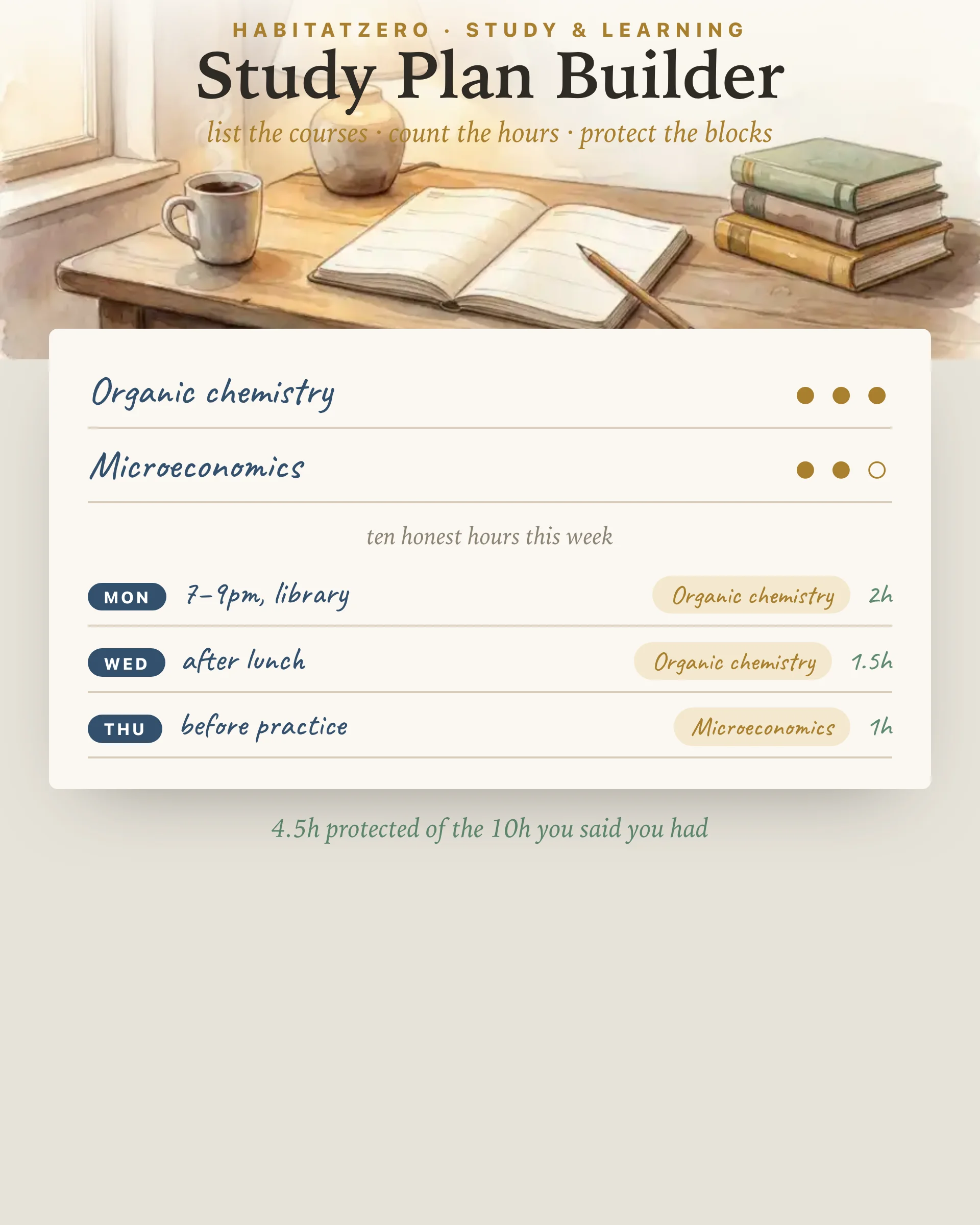
Generate, and every day from now to your final exam gets its sessions: closer exams and weaker subjects weighted heavier, every subject spaced across the calendar, exam days marked in the grid with their countdown. Change anything — a date, a rating, the pace — and the plan rebalances instantly.
The generated grid will look suspiciously mixed — history Tuesday, maths Wednesday, history again Friday — and the temptation is to "fix" it into tidy single-subject blocks. Don't. Spacing study across separated sessions is the most robust finding in the learning literature: distributed practice beats massed practice for retention, over and over, across ages and materials. Same hours, more kept. The builder spaces by design, and the slight discomfort of switching subjects is the feature working.
What you do inside each slot matters just as much: close the notes and test yourself. Retrieval practice beats rereading in head-to-head studies — even though rereading feels smoother, which is exactly why it fools people. Past papers, flashcards, blank-page recall: the timetable names the subject, self-testing should be the default verb.
Today's row sits highlighted at the top of the grid. Revise a session, tick it — the tick is the tiny reward that keeps the streak honest. After a mock or a practice paper, re-rate the subject: one tap on the confidence chip and the remaining weeks redistribute around the new truth. The timetable isn't a contract with your past self; it's a live model of the situation, and updating it is using it well.
The timetable allocates the days; its neighbors handle the rest. Big dates and coursework deadlines live on the semester deadline tracker — that's the what's due view, where this is the what to study view. Individual sessions run well as tomatoes in the pomodoro planning worksheet, day-to-day homework keeps flowing through the homework planner, and if exam nerves start writing the schedule instead of you, sixty seconds of box breathing before a session is the cheapest focus aid there is.
Enter the exams. Rate them honestly. Let the arithmetic carry the worry — you just show up for today's row.
Three inputs beat elaborate color-coding: which exams, when they are, and how confident you feel about each. From those, a good timetable allocates more sessions to closer exams and shakier subjects, spreads every subject across multiple days rather than blocking, and stays realistic about how many sessions a day life allows. This builder does that math automatically and redoes it whenever a date or rating changes.
Because spacing is the most reliable finding in learning research: reviewing material across separated sessions produces markedly better retention than massing the same hours together. A subject that appears on Tuesday, Friday, and Monday beats the same subject crammed into one exhausting Sunday — same hours, more kept. The generator spaces by design; the shuffle you see is the strategy.
Fewer than panic suggests. Three or four honest sessions of forty-five to sixty minutes beat eight foggy hours — attention decays, and unbroken marathons mostly rehearse being tired. The builder asks how many sessions genuinely fit your day and plans within that, because a timetable you can keep on a bad Wednesday is worth ten heroic ones.
Test yourself; do not just reread. Retrieval practice — closing the notes and pulling the material out of your own head with past papers, flashcards, or blank-page recall — reliably outperforms rereading in controlled studies, even though rereading feels more comfortable. The timetable decides the subject; make self-testing the default activity inside the slot.
Yes — free, in your browser, no signup. Exams, confidence ratings, and ticked sessions save as you go, the plan regenerates whenever anything changes, and the week card downloads as an image. In the Fabulous app the same timetable syncs across devices.
By the team behind Fabulous, the science-based self-care app used by over 30 million people.