ADHD Daily Task OrganizerFocus & ADHD · ~10 min
About this template · Updated July 2026
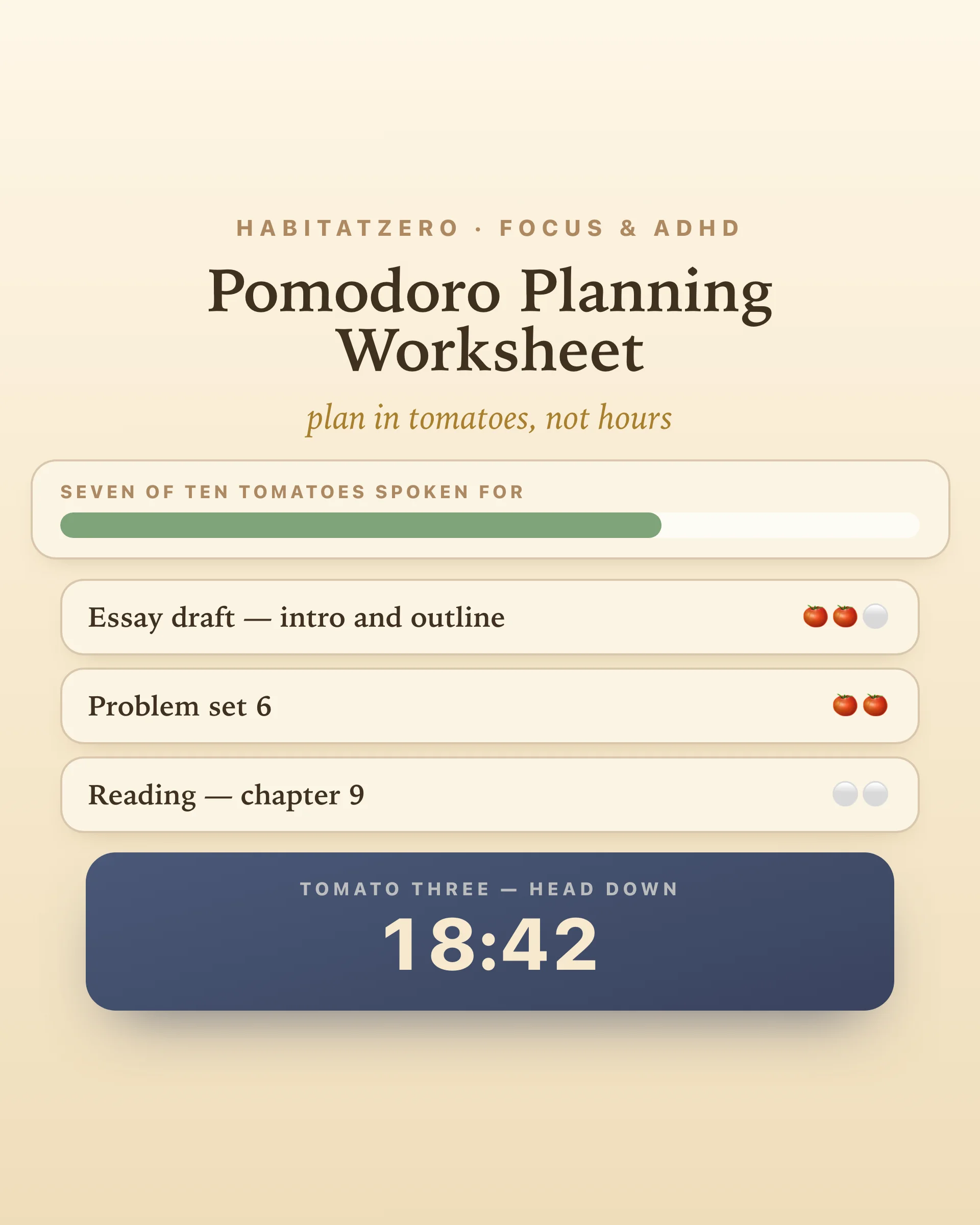
The internet has ten thousand pomodoro timers and almost no pomodoro planners — which is backwards, because the timer was never the technique. Francesco Cirillo's method is a planning loop wearing a kitchen timer: estimate your tasks in tomatoes, check the total against what the day can actually hold, run the sessions, then compare estimates to reality so tomorrow's plan is smarter. Skip the planning and you don't have the pomodoro technique; you have a stopwatch with branding.
This worksheet is the missing half — with the timer embedded where it belongs, in service of the plan.
Estimate every task. One tomato is twenty-five focused minutes. Give each task on today's list a whole-tomato estimate: the essay draft gets three, the problem set two, the email sweep one. The unit does something hours can't — "this afternoon" is a fog, but three tomatoes is a countable claim you can be wrong about, and being wrong on the record is where the learning starts. People reliably underestimate how long work takes even with full knowledge of their own past overruns, so expect your early estimates to run short. That's not failure; that's data arriving.
Check the capacity. Then the honest question: how many pomodoros does today actually hold? On paper an eight-hour day is sixteen; in reality — meetings, messages, meals, the ramp back in after each — a genuinely good day yields eight to twelve. Set your number and the capacity bar compares it to what you've planned. Twelve tomatoes planned into an eight-tomato day shows up as a warning now, while cutting is cheap, instead of as guilt at 6pm.
Run the tomatoes. Start a task and the embedded session runner takes over: twenty-five minutes of head-down, a chime, a five-minute break — and every fourth tomato, a long one. The breaks aren't a reward system; they're maintenance. Attention research found that brief diversions markedly sustain performance on prolonged tasks, where unbroken vigilance decays. The timer keeps true wall-clock time, so glancing away doesn't cheat the tomato.
Log the pulls. When something yanks you mid-tomato, one tap records it — from the room, or from you. Cirillo's classic rule says an interrupted pomodoro is void, and the worksheet lets you honor that; but the tally is the real prize, because interrupted work gets repaid in speed and stress. If the pulls are mostly internal, no silent phone will save you — a capture habit will, and the distraction log is built for finding that out.
At day's end, each task shows its estimate against the tomatoes actually spent. The gap is the point. Essays run one tomato over. Problem sets are honest. Email always doubles. After a week of this, your estimates stop being hopes and start being forecasts — and a plan built on forecasts is one you can trust enough to actually stop working at the end of it.
Twenty-five minutes suits work that tolerates seams — problem sets, email, drafting, revision. Deep creative work sometimes wants a longer, unbroken container; when the chime feels like an interruption instead of a rescue, plan a proper session in the deep work planner instead. And the tomatoes themselves need a home in the week — paint the study blocks they'll live in onto the study planner, and let the semester deadline tracker tell you which course they belong to.
Estimate, check, run, compare. The timer rings twelve times a day; the planning is what makes the ringing mean something.
The half of the pomodoro technique most tools skip. A timer only runs sessions; the worksheet plans them — estimating each task in tomatoes, checking the total against a realistic daily capacity, and comparing estimates to actuals at the end. Francesco Cirillo designed the method around exactly this planning loop; the twenty-five minute timer was just its metronome.
Fewer than the math suggests. Eight hours divides into sixteen pomodoros on paper, but meetings, messages, meals, and transitions mean a genuinely good day yields eight to twelve — and a normal one fewer. Setting capacity honestly is the whole trick: a plan that fits an eight-tomato day gets kept, and one built for sixteen collapses by noon.
Guess in whole tomatoes, then expect to be wrong in a consistent direction. People reliably underestimate how long work takes — the planning fallacy is one of the most replicated findings in the field — so this worksheet keeps score for you: each task shows its estimate against the tomatoes actually spent. After a week the pattern is unmistakable, and adding one tomato to a certain kind of task becomes automatic.
The classic rule is that an interrupted pomodoro is void — it does not count. This worksheet keeps the spirit while adding data: log the pull with one tap as external or internal, decide whether to void or finish the tomato, and read the tally at day's end. If most pulls come from inside your own head, no quieter room will fix it — a capture habit will.
Yes — free, in your browser, no signup. Tasks, estimates, capacity, and completed tomatoes save as you go, the session timer keeps true time even if you look away, and the day plan downloads as an image. In the Fabulous app the same worksheet syncs across devices.
By the team behind Fabulous, the science-based self-care app used by over 30 million people.