Reading JournalStudy & Learning · ~4 min
About this template · Updated July 2026
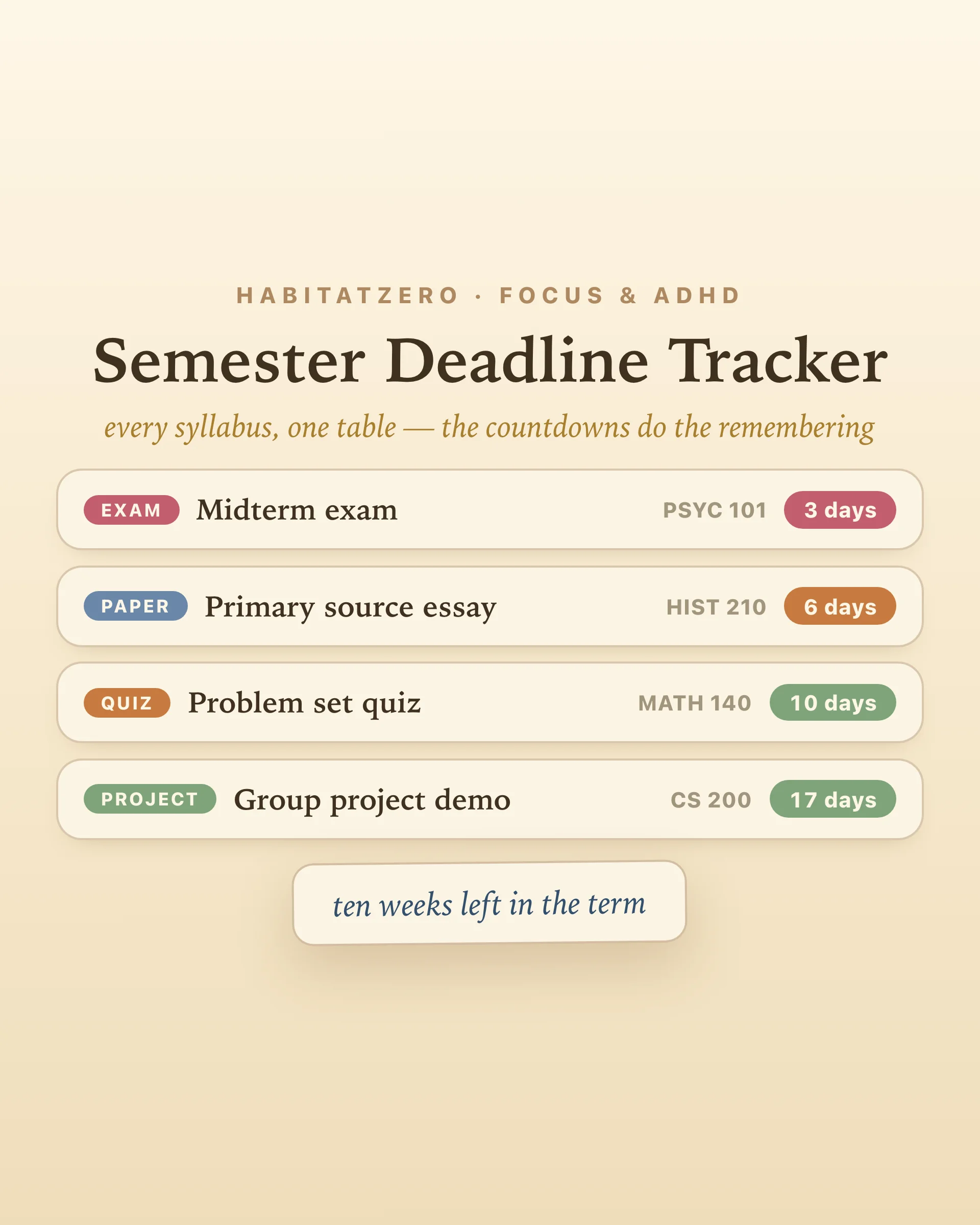
Every semester has the same opening scene: five syllabi land in one week, each carrying its own exams, papers, and project dates, each living in its own portal or PDF. By October, nobody is checking five portals. The deadlines don't disappear — they go underground, and resurface as ambushes. The fix costs ten minutes in syllabus week: empty every syllabus into one table, and let the countdowns do the remembering.
Add each deadline with its course, its type — exam, paper, project, quiz — and its date. The table does the rest:
Days remaining, always current. Every row shows its countdown, recalculated each time you look. Colors shift as dates close in: calm for the far-off, amber inside a week, warning red for the final days and anything overdue. You never do date math again; you just read the colors.
Sortable, because the question changes. Sort by date when you're planning the week ahead. Sort by course before a meeting with a professor. Sort by title when you're hunting for one thing. The term is one dataset; the table lets you ask it questions.
A term with edges. Set your semester end date and the header keeps quiet count — seven weeks left in the term — which is exactly the sentence that gets a paper started in week nine instead of week thirteen.
Done items strike through and sink. Download the term-at-a-glance card and pin it where the guilt can see you.
The syllabus told you. You read it. And the ambush happened anyway — for two well-documented reasons. First, the planning fallacy: people reliably underestimate how long tasks will take, even with full memory of every past overrun. The paper that "needs a weekend" needs two. Second, temporal distance flattens urgency: a date six weeks out registers as not now, which quietly becomes never started. A live countdown collapses that distance — eighteen days is concrete in a way "November 14th" never manages to be.
There's a third finding worth building around: in a classic experiment on procrastination, students with evenly spaced deadlines outperformed those given one end-of-term due date — and self-imposed deadlines helped only when they were spaced well. That's the real power of seeing the whole term at once: the pileups announce themselves in advance. Three deadlines stacked in week eleven, nothing in week nine? Move your own milestones into the empty week — the table just showed you where.
And the moment a deadline enters the table, something small and pleasant happens: the background hum about it quiets. Research on plan-making shows that deciding when and where a task will happen reduces the mind's nagging about unfinished business — before the work itself has started.
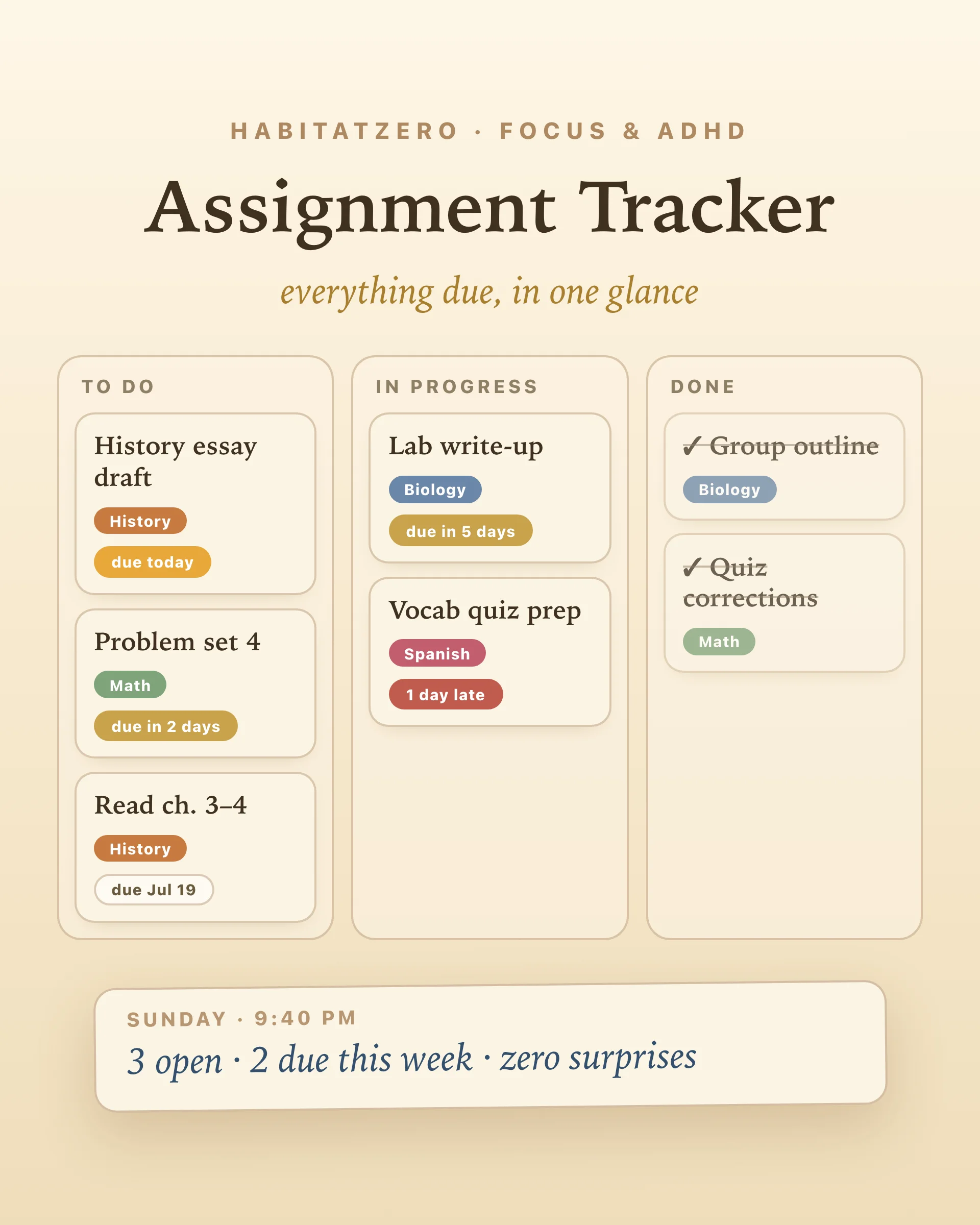
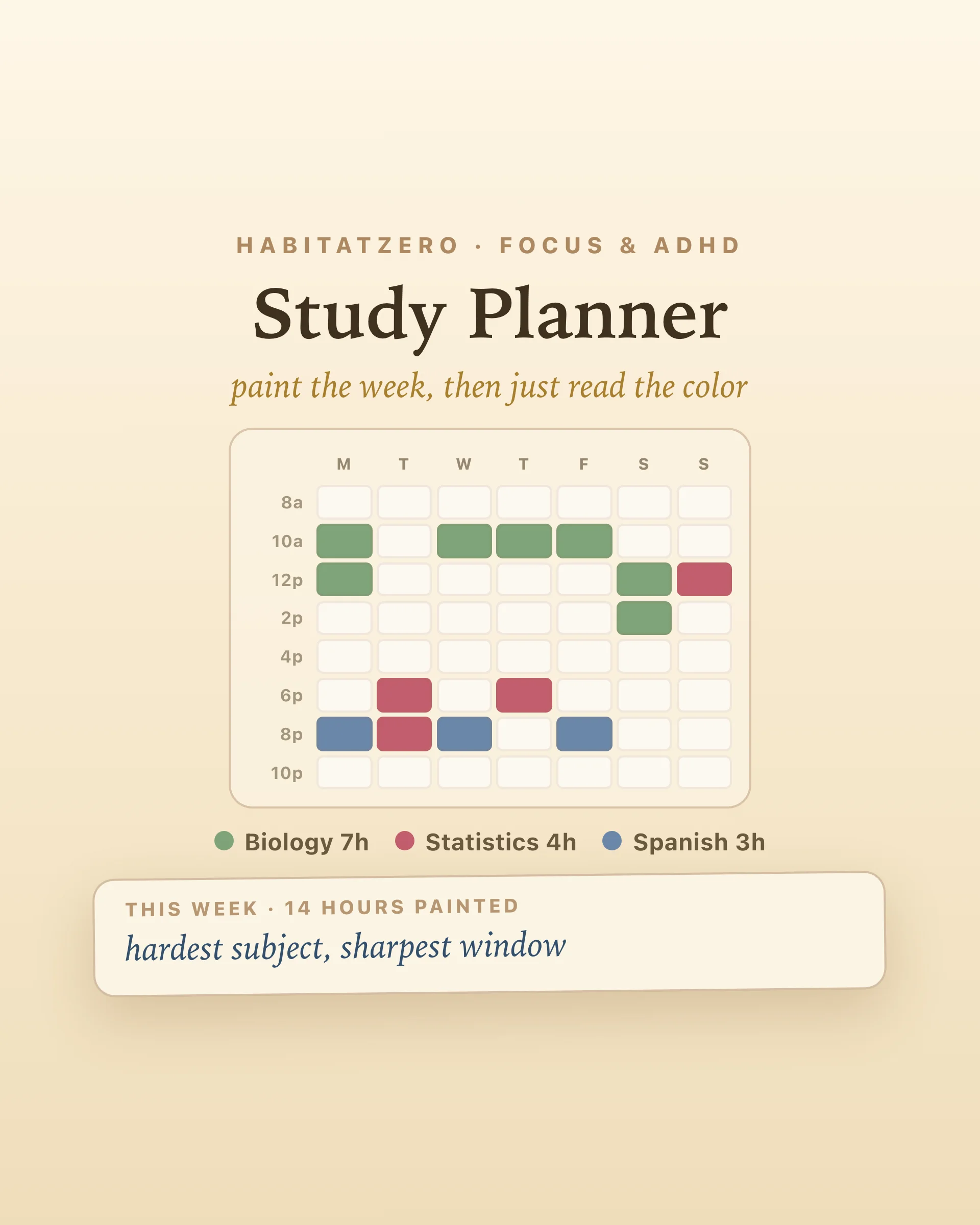
This is the term's map; other tools handle the terrain. When a big date gets close, its pieces belong on the assignment tracker — the day-to-day board with urgency badges. The study hours those deadlines demand get painted onto the study planner's weekly grid, and the long focused sessions that actually write the paper get shaped in the deep work planner.
Ten minutes in syllabus week, one glance every Sunday. The semester was always going to have deadlines — the table just makes sure you meet them coming, not the other way around.
One table holding every graded deadline of the term — exams, papers, projects, quizzes — with an automatic countdown of days remaining on each. It answers the semester-level question a daily planner cannot: what is coming in the next month, and which course owns it. Fill it in during syllabus week and the ambushes stop.
Scale. An assignment tracker is a day-to-day workboard for the current week's tasks; the semester tracker is the term's map — the twenty or thirty big dates that decide your grades. The two work together: the semester table tells you a paper is three weeks out, and the assignment board is where its pieces live once you start.
Two well-studied reasons. The planning fallacy: people reliably underestimate how long work takes, even with full experience of past overruns. And distance distortion: a date six weeks away feels like no date at all, so nothing starts. A visible countdown fights both — eighteen days is concrete in a way that a date in November is not.
Research says yes, with a catch. In a classic study, students given evenly spaced interim deadlines performed better than those with one end-of-term due date — but self-set deadlines only helped when spaced realistically. That is exactly what a term-wide view is for: seeing the pileups in advance and moving your own milestones into the empty weeks.
Yes — free, in your browser, no signup. Deadlines save as you add them, countdowns recalculate every time you open it, and the term-at-a-glance card downloads as an image. In the Fabulous app the same table syncs across devices.
By the team behind Fabulous, the science-based self-care app used by over 30 million people.