ADHD Daily Task OrganizerFocus & ADHD · ~10 min
About this template · Updated July 2026
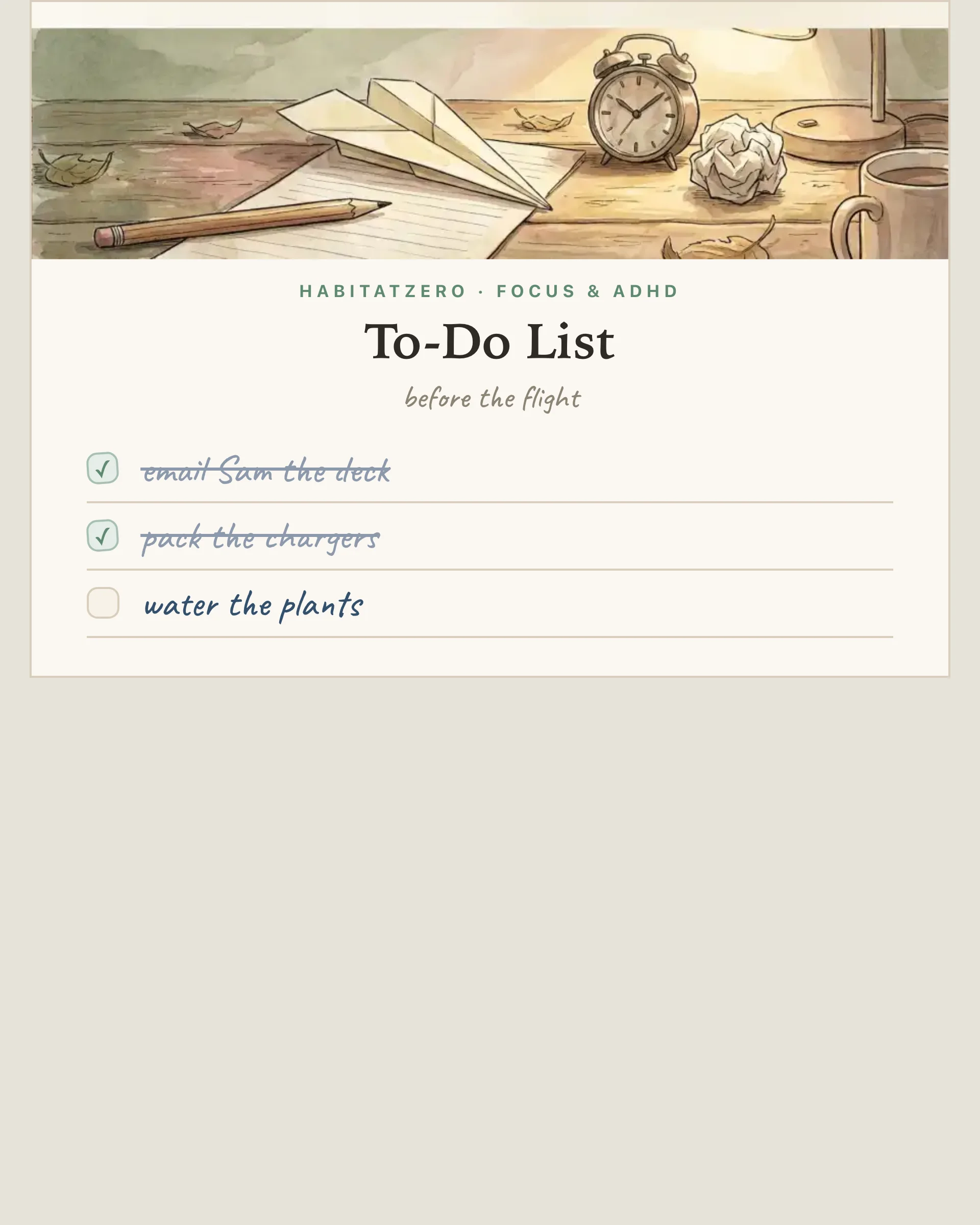
The to-do list is the oldest productivity technology that still works, and it works for reasons no app has managed to replicate: it sits in view without asking, it survives a dead battery, and drawing a pen-stroke through a finished line is a small ceremony that a checkbox animation only imitates. This page prints the classic — with one modern courtesy: you can type it before you print it.
The relief you feel when a task finally lands on paper isn't imaginary. Unfinished business occupies the mind rent-free — psychologists call it task tension, and the nagging measurably quiets once the item has a written home or a plan, well before anything gets done. The list is the home. And once tasks are visible, the second mechanism kicks in: recording progress reliably increases the odds of finishing — every crossed-off line is both a reward and a nudge toward the next one.
The page holds fifteen rows and no more, which is deliberately fewer than a bad day generates. A list that fits one page is a list that can end, and reaching the bottom is the entire reward loop of paper lists — a scroll of forty-one items is not a to-do list, it's an anxiety inventory with bullet points. Type your tasks into as many rows as they need; whatever's left prints as clean ruled lines for what the day adds later. Give the page a label if you like — a date, a project, before the flight — or leave it evergreen and print a stack.
Type it and print it for the desk edition, or print it fully blank and keep a pile by the kettle. Households discover the blank stack disappears fastest.
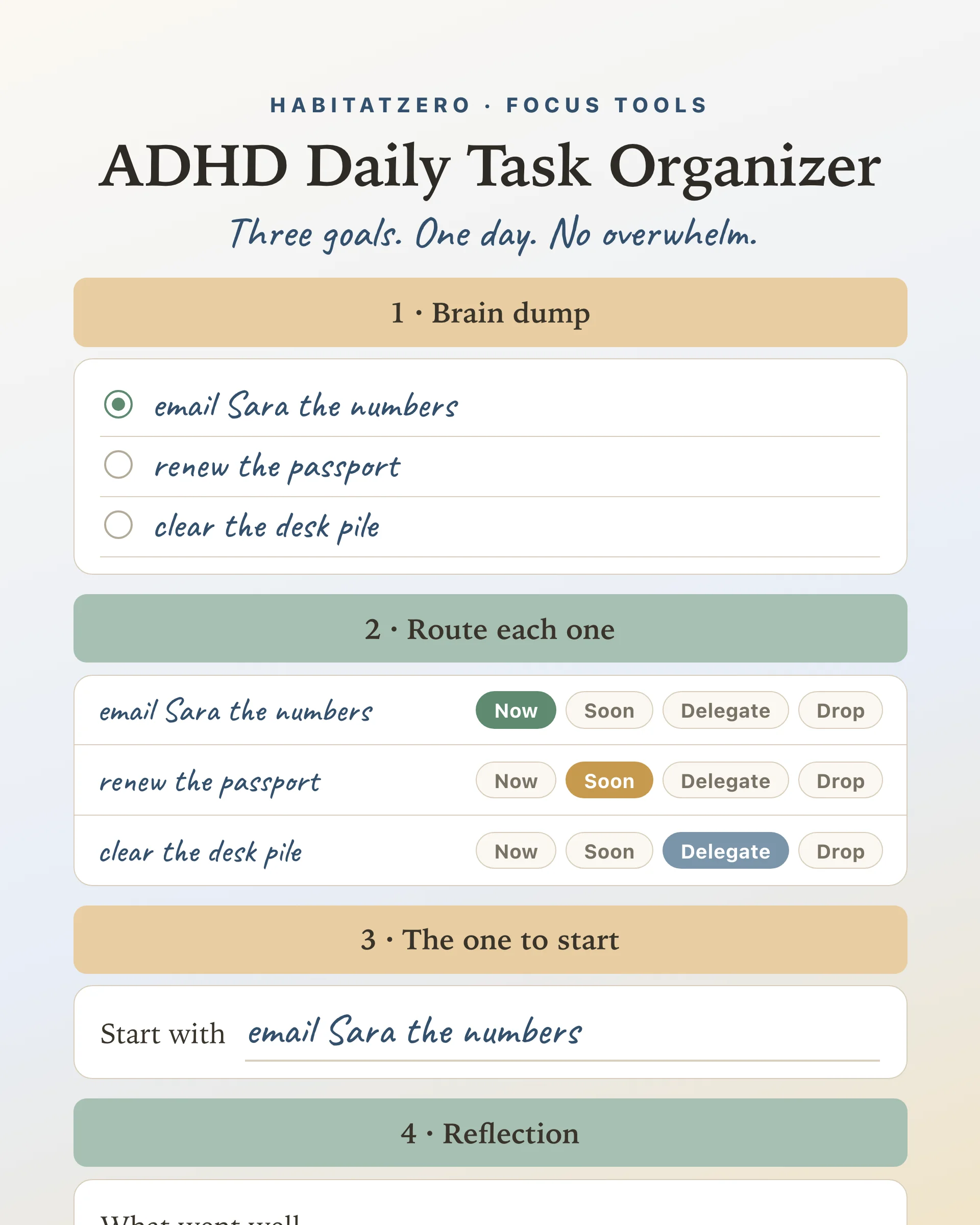
A to-do list is a container, not a strategy — and some days need strategy. When the list is long and the day is short, the ADHD priority matrix deals your items into now, decide, shrink, or drop, one card at a time. When the problem is a loud head rather than a long list, run a brain dump first and let the sort produce the list. And the rest of the printable family — the printable weekly planner for the week-shaped version, the printable habit tracker for the tasks that repeat — lives one shelf over.
Print it, put the pen on top, and let the bottom of the page be the finish line it was always meant to be.
Yes — free, in your browser, no signup. Type your tasks and print as many copies as you like; the free page keeps nothing after you leave, so the printed list is the record. In the Fabulous app the same list saves its ticks and syncs across devices.
Yes — the page prints with your typed tasks in place, which a fixed PDF cannot do. Any rows you leave empty print as clean ruled lines, so the sheet works half-typed, fully typed, or fully blank.
Fifteen rows — deliberately fewer than a bad day generates. A list that fits one page is a list that can end, and crossing off the final line is the entire reward loop of paper to-do lists. If everything will not fit, that is the page telling you something.
Paper sits in view without notifications, survives a dead battery, and the physical pen-stroke through a done line delivers a satisfaction taps have never matched. Writing tasks down also quiets the mental rehearsal loop — research on unfinished tasks shows the nagging fades once items have a written home. Apps are better at remembering; paper is better at being seen.
Yes — tap print and choose Save as PDF in the dialog. One letter or A4 portrait page with light rules, fully legible in black and white.
By the team behind Fabulous, the science-based self-care app used by over 30 million people.