The Overwhelm Recovery ProtocolWellness & Routines · ~5 min
About this template · Updated July 2026
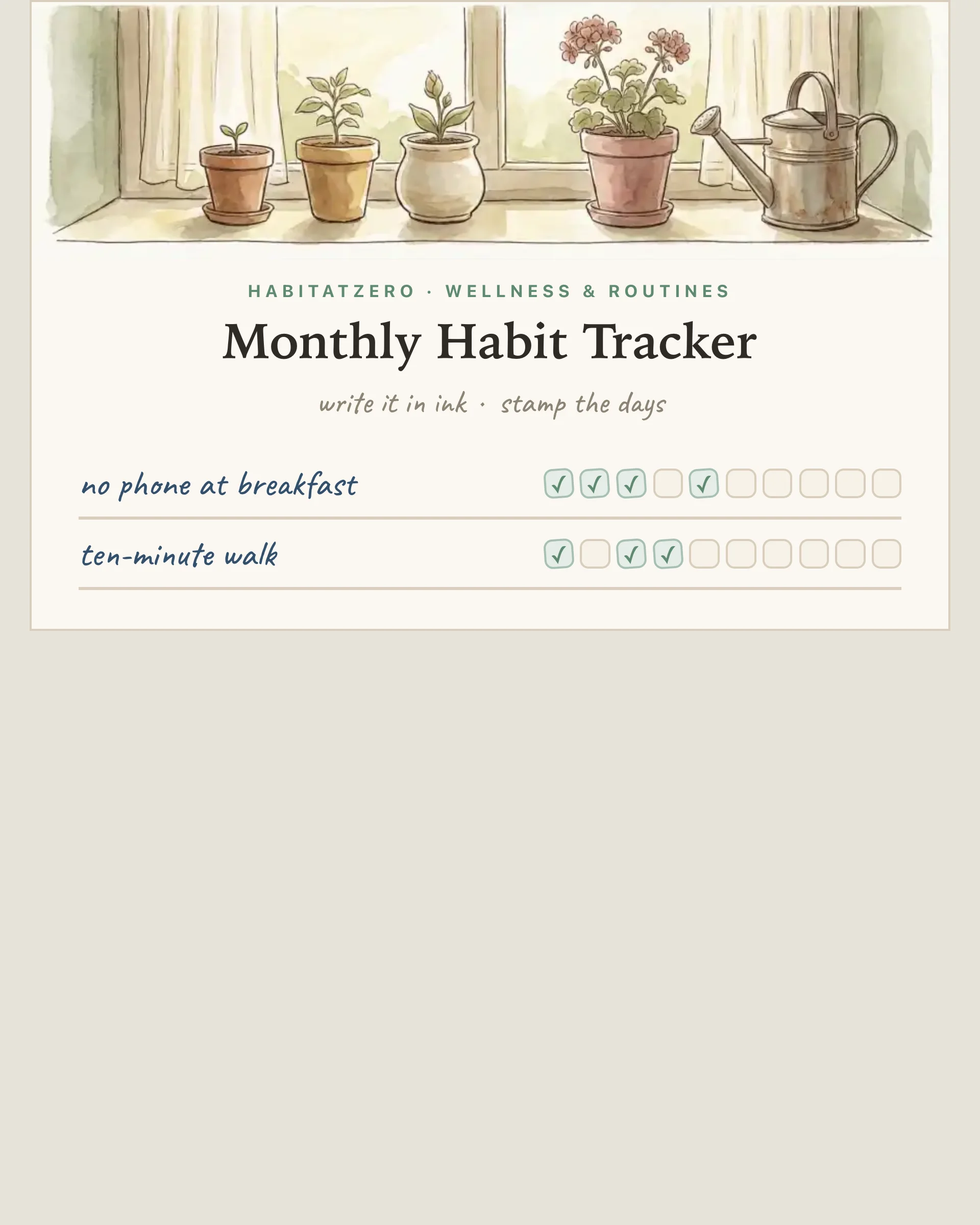
There's a reason the paper habit tracker refuses to die in an age of apps: the fridge doesn't have notifications to ignore. A grid on the wall is ambient — it catches your eye while the kettle boils, it shames you gently at breakfast, and filling in a circle with an actual pen delivers a small, real satisfaction no checkbox animation has matched. This page prints that grid — with one difference that matters: you edit it before it prints.
The mechanism isn't mystical. Reviews of behavior-change techniques keep arriving at the same headline: self-monitoring — simply recording whether the behavior happened — is among the most effective tools there is, outperforming far fancier interventions. The tracker is the recording; the wall placement is the reminder; the growing chain of filled circles is the motivation. And the monthly page is honest about timescale, too: habits take around two months on average to become automatic — so the second and third printouts aren't failure, they're the actual work.
Browse the usual printable roundups and you'll find beautiful PDFs with preset rows — hydrate, meditate, gratitude — or blank lines you squeeze handwriting into. This sheet works the other way around: type your habits in your words ("no phone at breakfast", "practice bass", "call Mom"), name the month, and the grid redraws live. What prints is a clean, one-page, letter-or-A4 sheet with your list on it, in ink-friendly line art with a botanical header that won't drain a cartridge. Print blank for the fridge, or — if the month's already moving and you've been ticking on screen — print with your marks and let the paper catch up.
The screen version isn't just a print preview. Tap any circle and it fills — and in the Fabulous app those ticks save as you go, so the app copy quietly keeps the master record while the paper copy lives its best fridge life. Households run this both ways — one person marks paper, another marks the page, the reprint reconciles. If you want a deeper digital tracking ritual, the 30-day habit tracker runs the full streak experience, and the daily habit tracker handles the day-by-day version with streak forgiveness built in.
Start with three habits, not ten. Print it, stick it somewhere your eyes already go, and put the pen on a string next to it — the ceremony is half the system.
Yes — free, in your browser, no signup and no download gate. Type your habits and print as many copies as you like; the free page keeps nothing after you leave, so the paper copy is the record. In the Fabulous app the same tracker saves your ticks as you go and syncs across devices.
That is the whole point of this one. Most printable trackers are fixed PDFs with someone else's habits; here you type your own habits and month name, and the printed page comes out with your words on it — no pen-squeezing into tiny preset rows, no PDF editor needed.
Yes — tap print and choose Save as PDF in your browser's print dialog. The sheet is laid out for a single letter or A4 page in portrait, with ink-friendly line art that will not drain a cartridge.
Both have their day. Print blank at the start of a month for the fridge or a planner. If you have been ticking on screen and the paper copy is behind, print with marks and the page catches up to real life. The two buttons sit side by side.
The sheet holds ten rows, but three to five is the honest sweet spot — research on behavior change finds self-monitoring is among the most effective techniques there is, and it works best when the list is short enough to review at a glance. A full grid you abandon in week two loses to a half-empty one you keep marking.
By the team behind Fabulous, the science-based self-care app used by over 30 million people.