Leaves on a StreamEmotional Fitness · ~3 min
About this template · Updated July 2026
Ask yourself what kind of year it was and your memory will hand you three moments and a mood — usually whatever peaked hardest and whatever happened last. That's not a character flaw; it's how remembering works. Kahneman's peak-end research showed that whole experiences get compressed into their most intense moment and their ending, and a year is no exception: one rough December can quietly rewrite fifty decent weeks. A year in review is the correction — a structured walk back through what actually happened, before the compression becomes the official story.
The review keeps to four chapters, because a look-back that tries to be an audit becomes homework and never gets finished.
The highlights. The moments that made the year — the obvious ones, and the small Tuesday wins that never made it to a photo. Scroll your camera roll and your calendar if the well runs dry; the point is recovering what memory filed away, and this kind of deliberate looking-back does real work. Research on reflective nostalgia finds that revisiting meaningful past moments reliably boosts meaning, mood, and connection — the review isn't sentimentality, it's maintenance.
The lessons. One honest line each. Not resolutions — observations. "I say yes too fast." "The gym works when it's mornings." The lessons chapter is the one that quietly writes next year's priorities for you.
The people. Who shaped the year, with a word or two on why. This chapter has a way of turning into a to-do list of thank-yous, which is the best possible side effect a worksheet can have.
The word. If the whole year had to fit in one word — which word? It's the hardest question on the page and the one you'll remember answering. (If picking a word forward for next year appeals to you, that's its own ritual — the word of the year picker runs the full reflect-shortlist-commit version.)
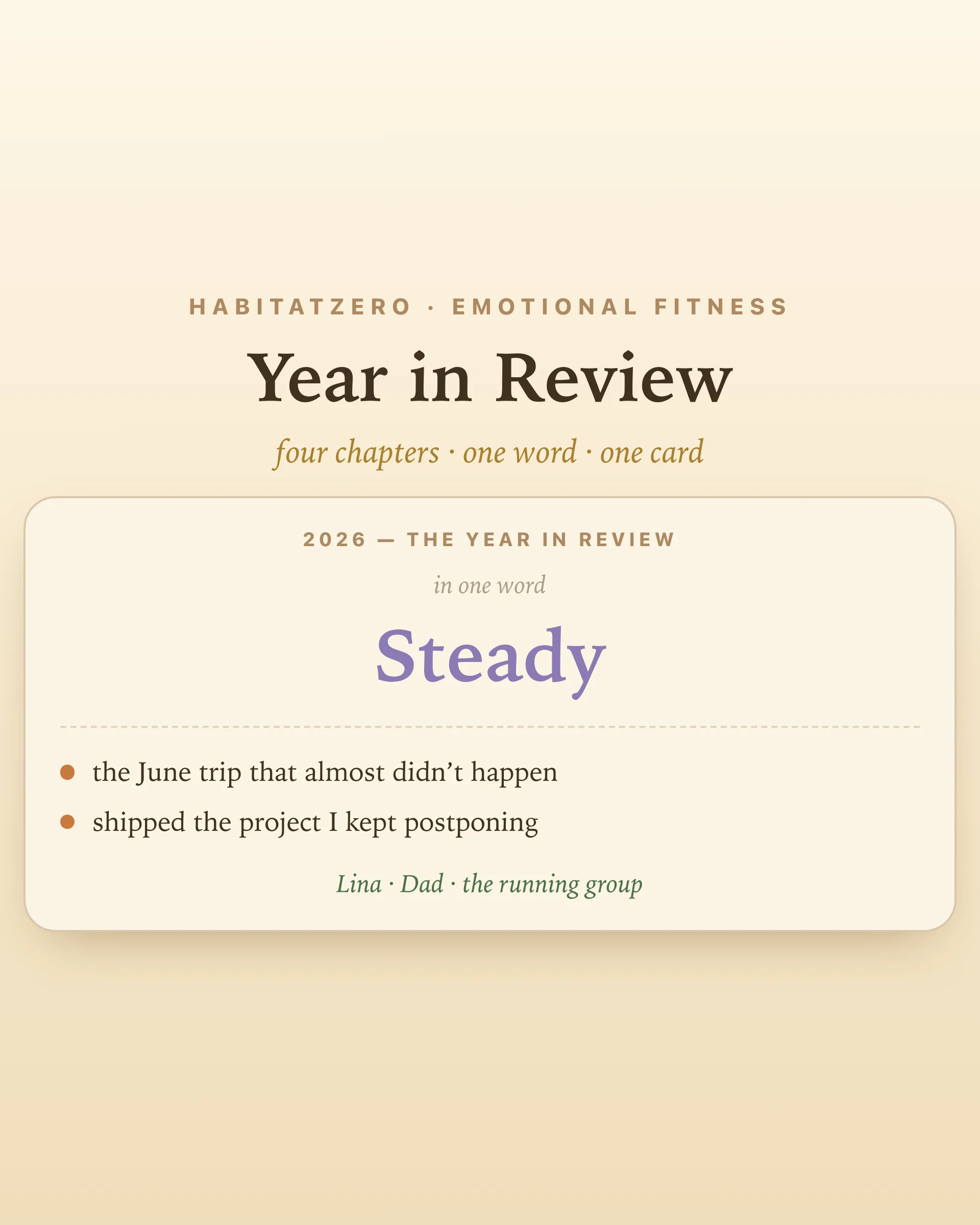
When the chapters are written, the review compresses on your terms: a summary card — your word front and center, the top highlights, the people — downloads as a single image. Keep it, share it, or make it page one of what comes next.
And something should come next: a review without a follow-up is a lovely cul-de-sac. The natural sequel is the new year goals worksheet — it starts exactly where this ends, turning the lessons chapter into a short list of goals with first steps attached. Review backwards, then aim forwards. In that order.
A guided structure for looking back at your year in four chapters: highlights, lessons, people, and a one-word summary. This one is interactive — you add entries chapter by chapter, everything saves as you go, and the finish line is a downloadable summary card with your word, your highlights, and your people on one image.
The four this worksheet walks you through: what were the moments that made this year? What did the year teach you? Who mattered in it, and why? And if the whole thing had to fit in one word, which word? Memory research suggests we recall years by their peaks and endings — the questions exist to recover everything the highlight reel skips.
The classic window is the quiet week at the end of December, but the worksheet works for any ending — a birthday, a school year, a job change. Doing it before setting new goals is the practical order: the lessons chapter tends to write next year's priorities for you, which is why this page pairs with the new year goals worksheet.
The summary card downloads as an image — your one word, top highlights, and people on a single card sized for sharing or keeping. The full review with every entry stays in the worksheet; only what fits the card goes on the card.
Yes — free, in your browser, no signup. Your highlights, lessons, people, and word save as you go, and the summary card downloads as an image. In the Fabulous app the same worksheet syncs across devices.
By the team behind Fabulous, the science-based self-care app used by over 30 million people.