Reading JournalStudy & Learning · ~4 min
About this template · Updated July 2026
Search for how to create a study planner and most answers hand you a grid to color in. The grid is the last step, not the first. A planner that works is built backwards from two honest numbers — how heavy each course really is, and how many hours the week really contains — and only then does time get assigned. Skip the honesty and the prettiest grid collapses by Thursday.
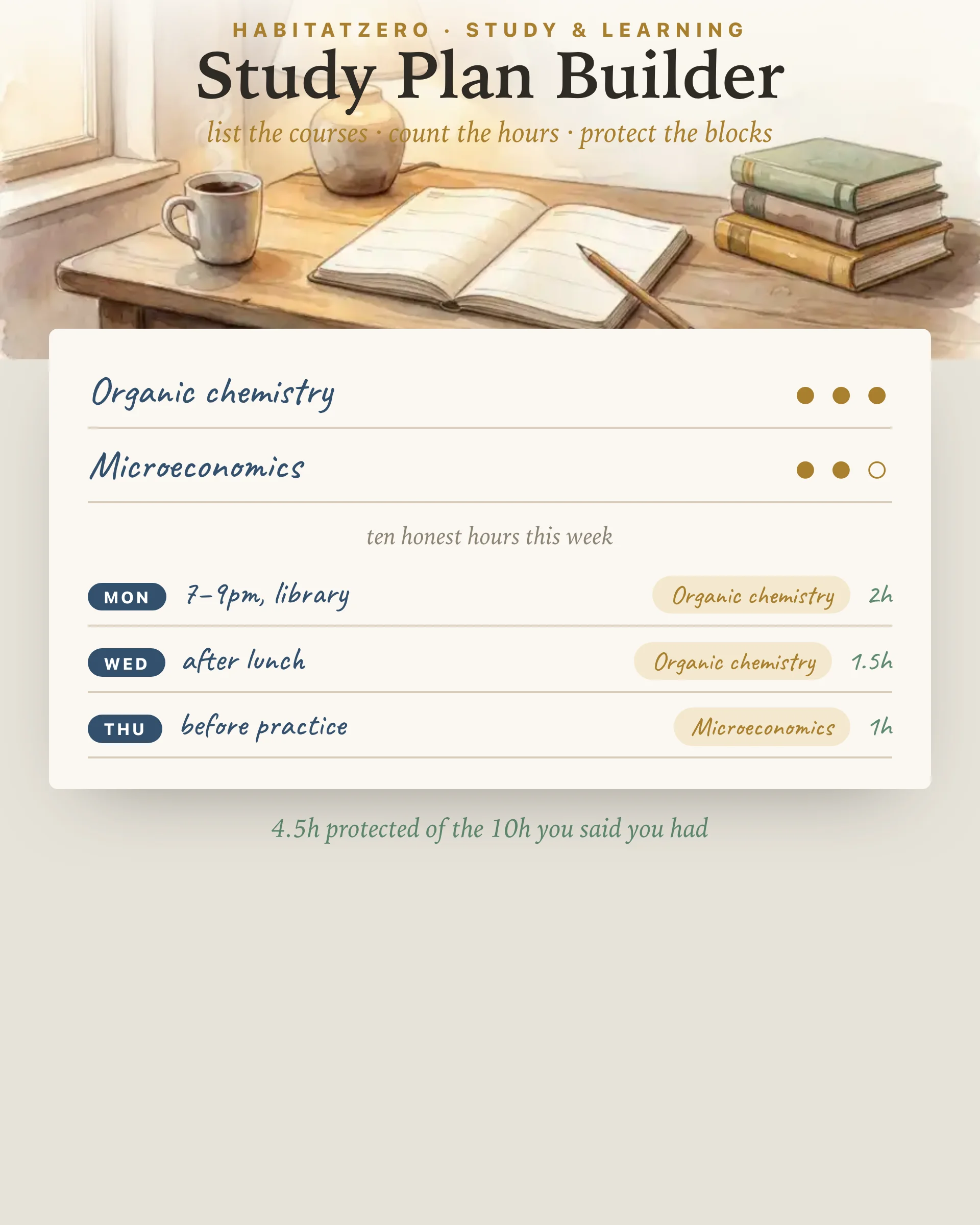
The builder above opens with a course list for a reason. Cornell's Learning Strategies Center puts course inventory at the front of its study schedule guidance: before any hour is placed, you need the full set of demands in one place, sized against each other. The weight dots do that sizing. One dot is a course that behaves; three dots is the one whose reading you keep postponing. Nobody grades the dots — they exist so that when hours get scarce, the plan knows where they should go first.
The second station asks for a single number: study hours per week, after everything else. Type it, then look at it. If week seven of the term would laugh at that number, lower it. An honest eight beats an aspirational twenty, because the honest plan gets kept, and kept plans compound — the research on distributed practice is unambiguous that many modest sessions spread across the week outperform heroic weekend rescues of the same total length. The spacing is the active ingredient. You can only space what you actually have.
The third station turns the budget into appointments: a day, a written when in your own hand, a course, a length. That written when matters more than it looks — "Tuesday after lunch, organic chemistry, ninety minutes" is a decision already made, and decisions made on Sunday don't have to be renegotiated at 4pm Tuesday against whatever feels easier. The tally underneath keeps two scores: how much of your stated budget is protected, and whether your heaviest course is quietly being starved while a friendlier one feasts. When those two lines are clean, the planner is built.
Then stop building. Run the week, watch where the plan tore, and rebuild the torn part next Sunday. A study planner is not a monument; it's a draft that gets one revision a week for a whole term.
Three moves, in order: list every course with an honest weight, count the weekly hours you genuinely control, then protect specific blocks - a day, a time, a course, a length - until the budget is spent. The builder on this page walks that exact sequence and does the arithmetic as you go.
Fewer than you first typed. The useful number is the one you will still hit in week seven: hours left after classes, commitments, and sleep. A plan built on twelve real hours beats one built on twenty imaginary ones, because the real plan survives long enough to compound.
It has a name on it before the week starts: Tuesday, after lunch, organic chemistry, ninety minutes. An hour without an owner gets claimed by whoever asks loudest. Writing the when in your own words is the small act that turns intention into an appointment.
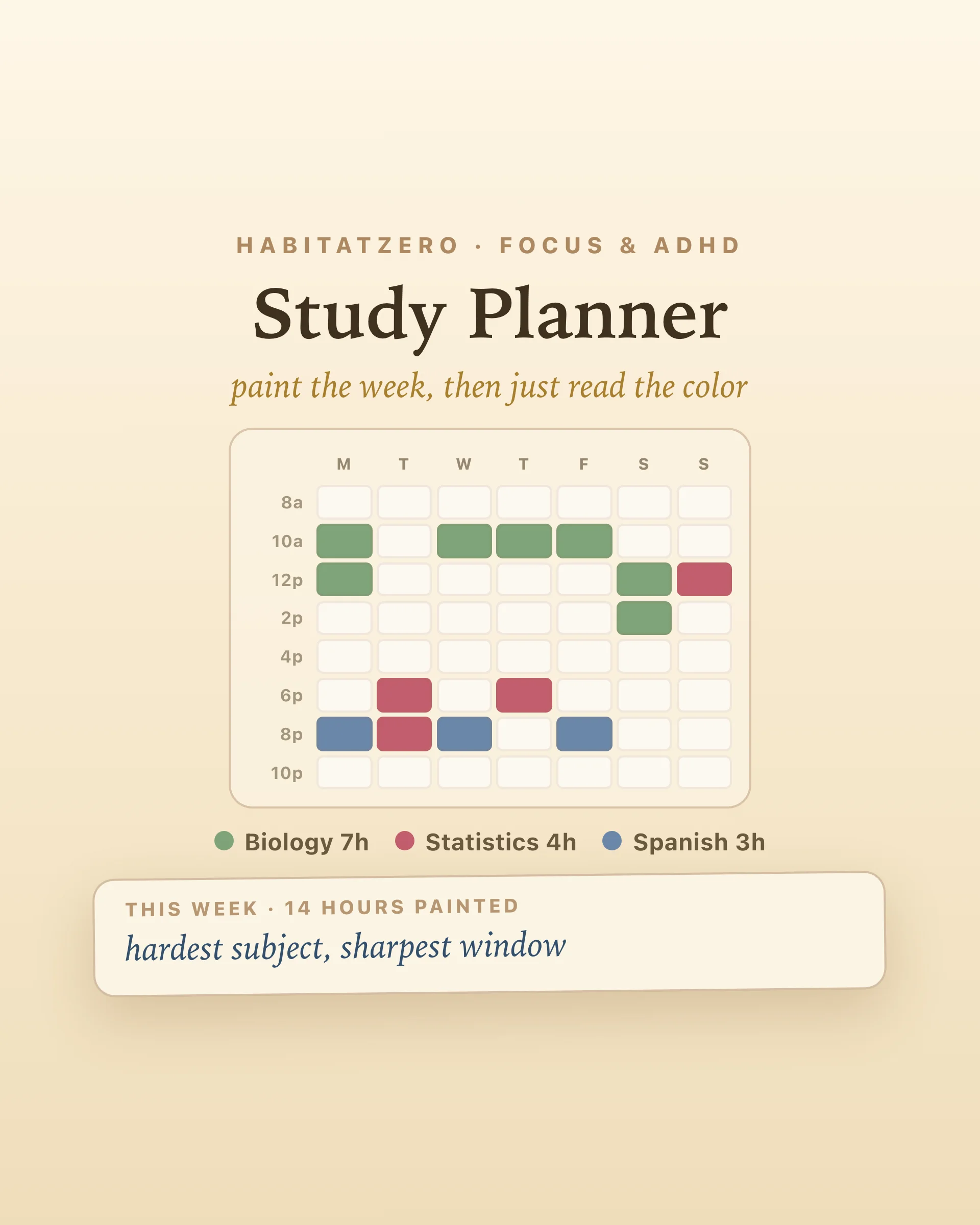
The study planner is the week in motion - painting hours onto a grid and running them. This page is the step before: deciding what deserves those hours in the first place. Build here once a term, then run your weeks there.
Because effort follows comfort unless something intervenes. The weight dots make the uncomfortable course visibly heaviest, and the tally names it when it is getting the fewest protected hours - which is exactly the imbalance that quietly sinks a term.
By the team behind Fabulous, the science-based self-care app used by over 30 million people.